A product social preview image is the image that appears when someone shares your product page on social media. It is controlled by the og:image meta tag, and it is often the deciding factor in whether someone clicks or scrolls past your link.
For ecommerce stores, this image is not optional. Every product you share needs a preview that communicates what the product is, why it matters, and why someone should leave their social feed to see more. If your product social preview image fails at that job, even the best product descriptions and pricing will not get a chance to perform.
This guide covers the elements that make product OG images effective and how to create them for your store.
Why Product Social Preview Images Are Different
Product pages are not blog posts. Product pages are not portfolios. A product page has one job: drive a click that leads to a purchase decision.
A product social preview image must support that goal. Unlike editorial content where the goal might be brand awareness or article reads, a product OG image needs to communicate:
- what the product is
- what makes it worth considering
- what the visual quality signals about the product
- enough visual confidence that the click feels worthwhile
This is a different job than most OG image content. It requires design choices that prioritize clarity, product focus, and purchase intent over personality or storytelling.
The Anatomy of a High-Converting Product OG Image
The best product social preview images share five characteristics that separate them from generic previews.
1. The Product Is Always the Focus
Your product should be the primary visual element. If the product is small, hidden, or competing with decorative elements, the preview fails its most basic job.
A strong product OG image keeps the product large and centered. Secondary elements like brand logos, price tags, or call-to-action text should support the product, not overshadow it.
2. Clear Visual Hierarchy
Every element in the image should have a clear role:
- Primary: The product or product name
- Secondary: Key benefit, price, or offer
- Tertiary: Brand mark or subtle call-to-action
When these roles are clear, the viewer processes the image in one or two seconds. When they are not, the image creates confusion and gets scrolled past.
3. Readable Text at Any Size
Product OG images often appear as small thumbnails in mobile feeds. Text that looks fine on a desktop preview becomes illegible when scaled down.
Use large text. High contrast. Short phrases instead of long descriptions. Test your text in small sizes before publishing.
4. Brand Consistency
Every product you share should feel like it comes from the same brand family. Consistent fonts, color palette, and layout approach build visual recognition over time.
When followers see your product OG images repeatedly, they should be able to recognize them without reading the brand name. That recognition builds trust.
5. Mobile-First Design
Most social browsing happens on phones. Design for small screens first, then scale up for desktop preview tools.
If your product social preview image does not work at thumbnail size, it will not work in practice.
Product Social Preview Image Size
The recommended size for product OG images is the same as standard OG images:
1200 x 630 pixels
This 1.91:1 aspect ratio works well across Facebook, LinkedIn, X, and most other platforms that generate rich previews.
However, product images sometimes need adjustment. If your product has a vertical orientation or your brand template uses a different layout, the key is maintaining readability and product visibility at small sizes.
For stores with multiple image formats for different platforms, ogdynamic generates multiple sizes simultaneously so you can use the right format for each channel.
Common Product Social Preview Image Mistakes
Using a Generic Fallback Image
Auto-generated previews or a single logo card used for every product is a missed opportunity. Each product is different. Each product OG image should reflect that difference.
When every product shares the same generic image, nothing stands out. In a crowded social feed, that means nothing gets clicked.
Adding Too Much Text
An OG image is not a product label. Including product name, price, description, features, offers, and brand information creates visual noise that buries the main message.
Pick one or two elements that matter most for the specific product and let those breathe.
Ignoring the Product Crop
Product photos are often shot in portrait orientation or as tight crops. These formats may not translate well to the wide 1.91:1 OG preview ratio.
Before using a product photo, check how it looks when cropped to the standard OG ratio. If the product becomes unrecognizable or loses important context, consider a different layout or crop.
Low Contrast Text Over Product Images
Placing text directly over product photos is risky. If the text color is close to the product color, the text disappears.
Always use high contrast. White text on dark backgrounds. Dark text on light backgrounds. When in doubt, add a subtle overlay behind the text area to ensure readability.
How to Create Product Social Preview Images at Scale
Creating individual OG images for every product manually becomes slow as your catalog grows. A more scalable approach uses templates with product-specific fields.
Use a Template System
Define a product OG image template once with placeholder fields for:
- product name
- product image
- price or offer
- brand mark
Then for each product, fill in the specific values and generate the preview. This keeps every image on-brand and consistent while allowing product-specific customization.
Automate Where Possible
For large catalogs, automation saves significant time. URL auto-fill can extract product details from your product page and pre-fill them into your template.
This means you paste a product URL, the system pulls the name and description, you adjust the image or offer text if needed, and you generate the preview. The workflow takes seconds per product instead of minutes.
Maintain a Preview Calendar
Just like you schedule social posts, schedule your product OG image creation. Create the image when you create the product page, not after you have already shared the link and realized the preview does not work.
Front-loading the OG image workflow means every product link you share from day one has a professional preview ready.
Product OG Image Checklist Before Publishing
Before you finalize any product social preview image, check these items:
- Is the product visible and primary in the image?
- Is text readable at thumbnail size on mobile?
- Is there high contrast between text and background?
- Does the image use consistent brand styling?
- Is the image 1200 x 630 pixels or properly scaled?
- Does the page include the correct
og:imagemeta tag? - Have you tested the preview in the platforms where you share most?
If any of these checks fail, adjust before publishing.
How OGDynamic Helps
ogdynamic is built for creating product social preview images at scale. The platform includes:
- Product-focused templates designed around ecommerce conversion
- Brand presets that apply your colors and fonts automatically
- URL auto-fill that pulls product details from your product pages
- Multiple format generation for Facebook, X, LinkedIn, and Pinterest
Product Templates Available in OGDynamic
ogdynamic includes several templates built specifically for product social previews:
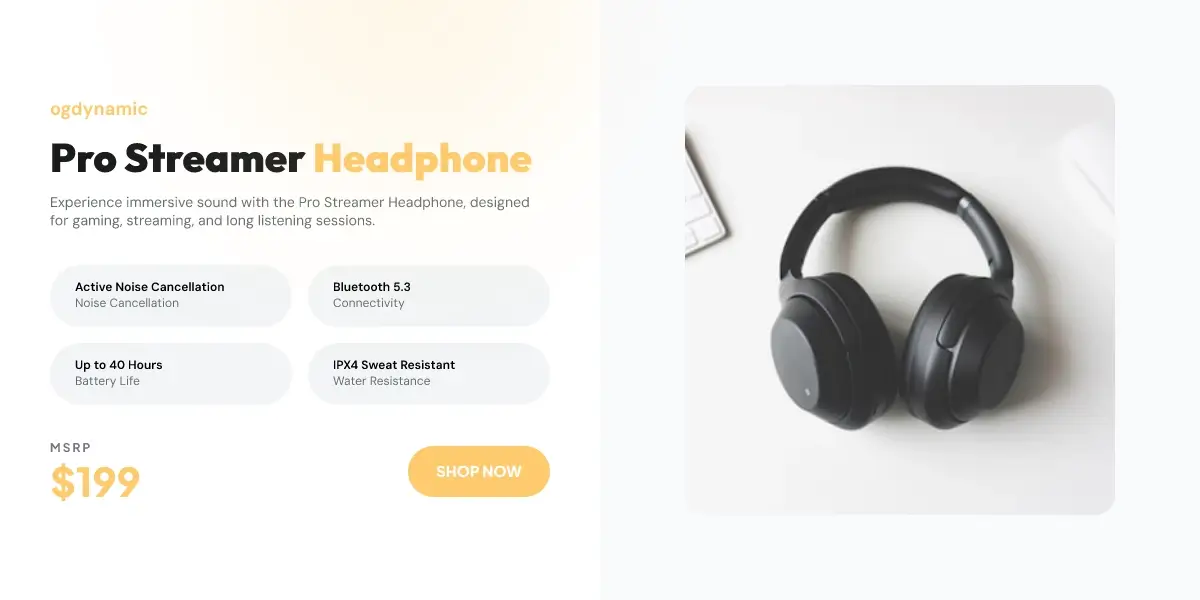
Glass Commerce
Glossy split-layout card with bold pricing, rounded spec chips, and soft amber accents. Ideal for premium audio and electronics.
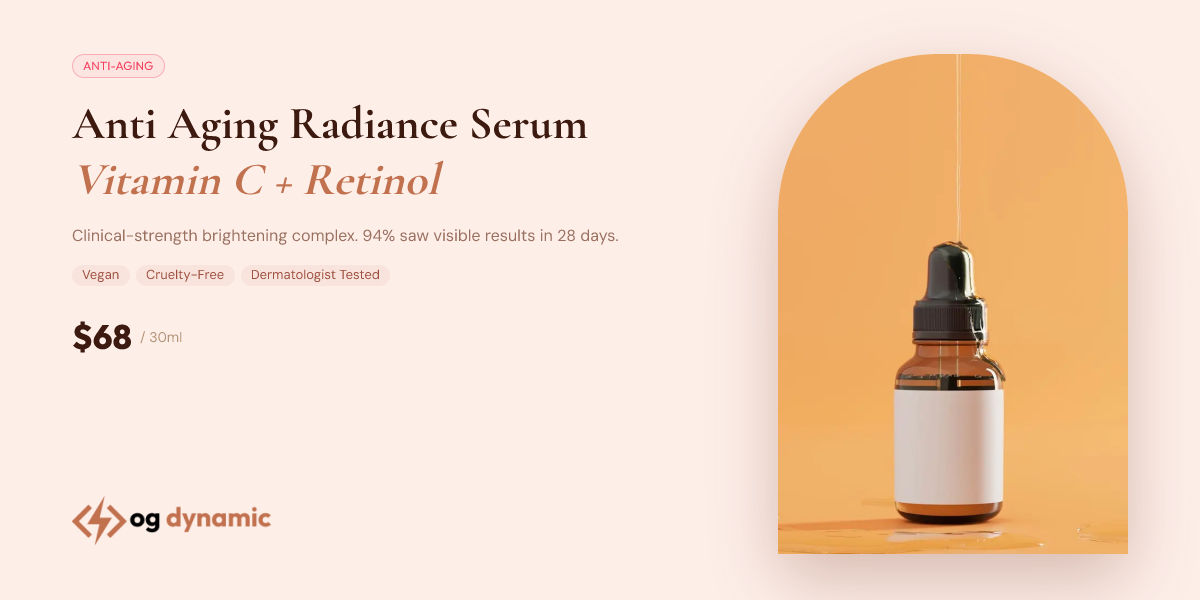
Skincare Product
Elegant showcase with clinical styling, warm tones, and premium finish. Perfect for beauty and skincare products.
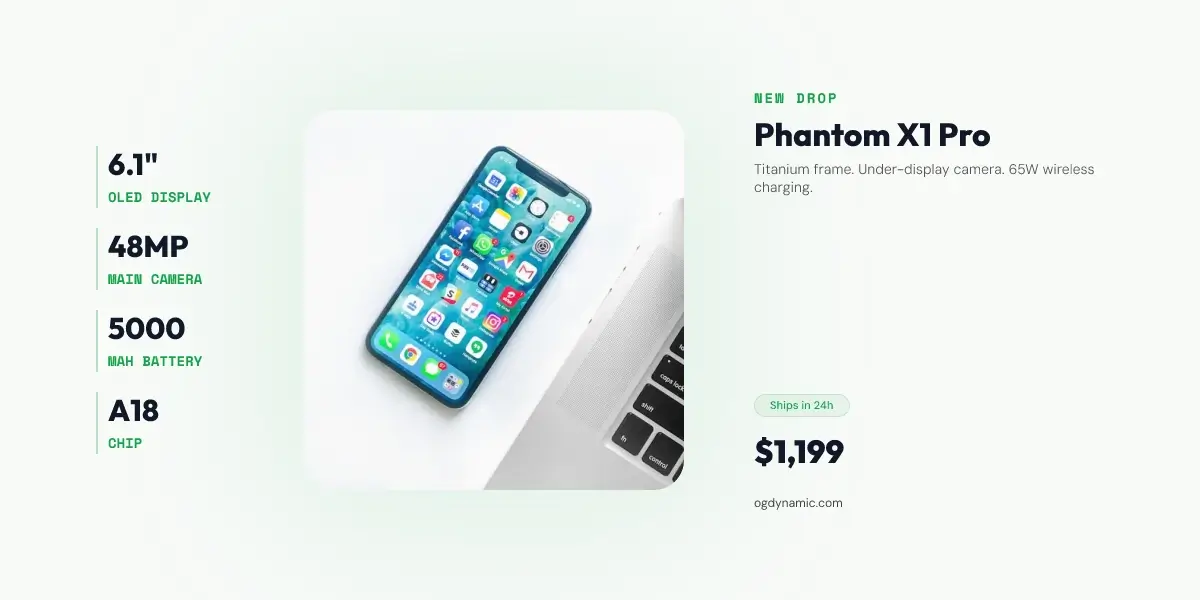
Tech Cinematic
Cinematic tech layout with bold pricing, structured specs, and soft green accents. Built for premium hardware launches.
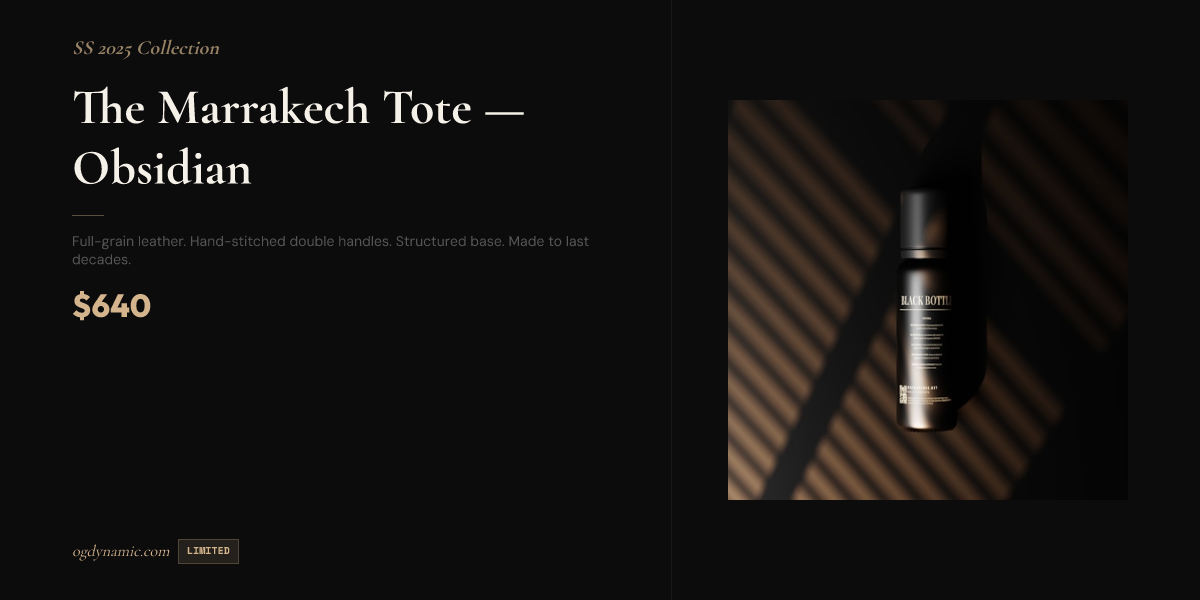
Luxury Dark
Elegant dark template with premium typography and gold accents. Designed for high-end product showcases.
Each template supports dynamic fields for product name, price, description, product image, specs, and brand elements. Every image you create stays on-brand and platform-optimized without manual design work for each product.
For detailed integration options, read the documentation for URL parameters and JSON payload examples. For the broader workflow, see How to Create Stunning Open Graph Images Without a Designer.
For store-specific guidance on social traffic, read Why Your Shopify Store Needs Better Open Graph Images.