Text, image, and group layers
Every image is built from text, image, and group nodes that nest to any depth — build a card from sections, not from a fixed form.
Design once on a free-form canvas, mark the layers your data should control, and generate every variation from a plain URL — rendered pixel-identical by the same engine that previews it.
The editor works the way layout actually works: layers, groups, and a CSS-based layout model, so anything you can design renders exactly as you designed it.
Every image is built from text, image, and group nodes that nest to any depth — build a card from sections, not from a fixed form.
Place layers anywhere with absolute positioning, edge anchors on any side, z-order control, and percentage sizing that adapts like CSS.
Groups flow with full flexbox — direction, gap, justify, align — plus CSS grid columns when a layout needs a stricter rhythm.
Start from Open Graph, X, square, story, or Pinterest presets, or set a custom size anywhere up to 10,000 pixels per side.
A recursive layer tree with drag-to-reorder, inline renaming, and per-layer duplicate and delete — dock it, collapse it, or float it anywhere.
A 100-step history batches drags, resizes, and typing into single steps, so experimenting never costs you your place.
Drag layers, resize from eight handles with aspect-lock corners, and nudge with arrow keys — Shift for 10-pixel jumps.
Commit-on-blur number fields, per-corner radius, and an add-attribute system that reveals advanced CSS controls only when you want them.
Searchable font picker with per-family weights, live loading of only the fonts your canvas uses, and full typography control down to letter-spacing and line clamps.
Solid colors, multi-stop linear and radial gradients, and grid or stripe patterns — plus per-corner radius, borders, and background sizing.
Box and text shadows with inset support, blur, contrast, and grayscale filters, rotate, scale, and skew transforms, opacity, and blend modes.
Mark any text or image layer as overridable and it becomes a parameter. Compose render URLs in your HTML, your CMS, or your backend — no SDK, no client library, no render queue.
One canvas, infinite variations.
GET — query parameters
https://cdn.ogdynamic.com/canvas-id?title=Launch+week&price=%2429&author=AdaPOST — JSON body
{ "title": "Launch week", "price": "$29", "author": "Ada" }Every dynamic layer on the canvas contributes one key. The override fields panel lists them all with their types, so your integration stays predictable.
The editor preview runs the same Rust rendering engine as the production service, compiled to WebAssembly and drawing pixels in your browser. There is no "looks different in production" gap — what you see while designing is the exact image the URL serves.
Templates span 11 categories — Open Graph, blog, product, square, Pinterest, email, and more — each one a finished layout you can keep as-is or pull apart on the canvas.
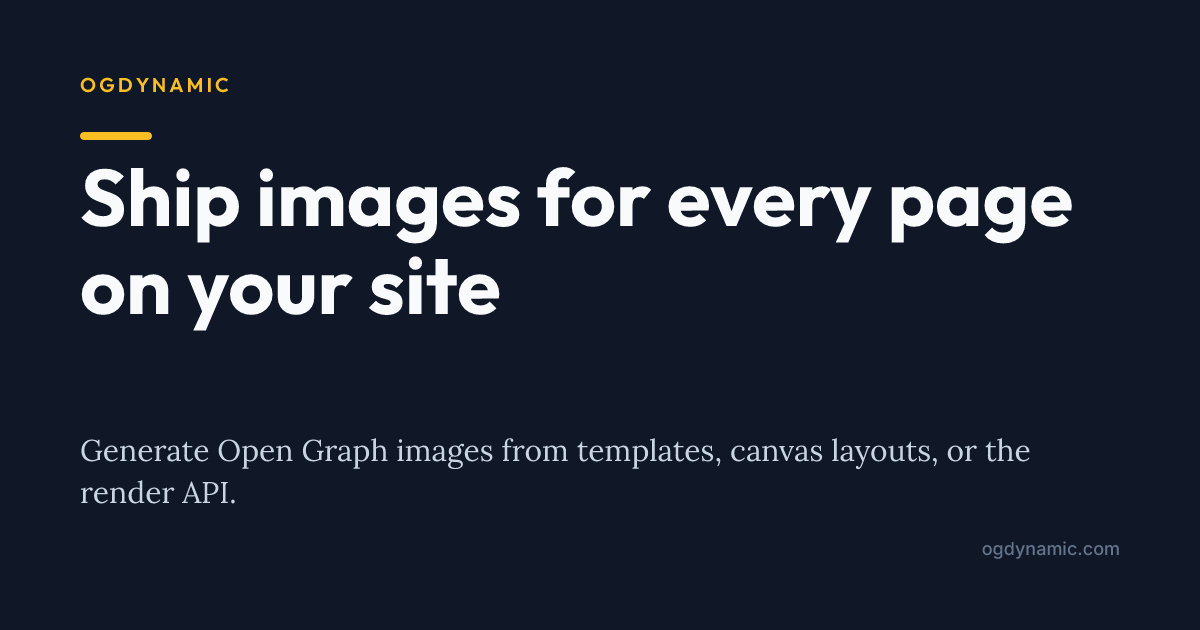
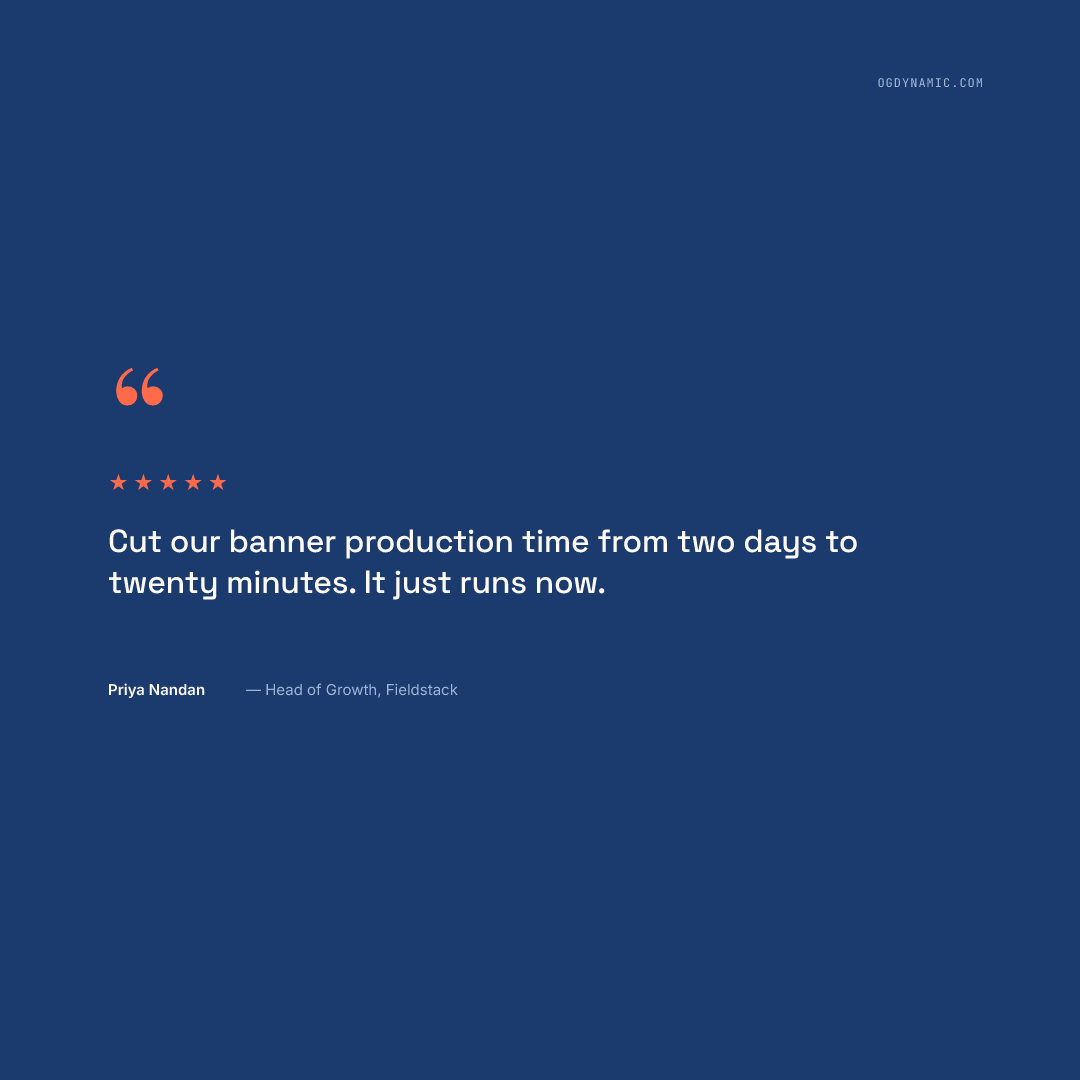
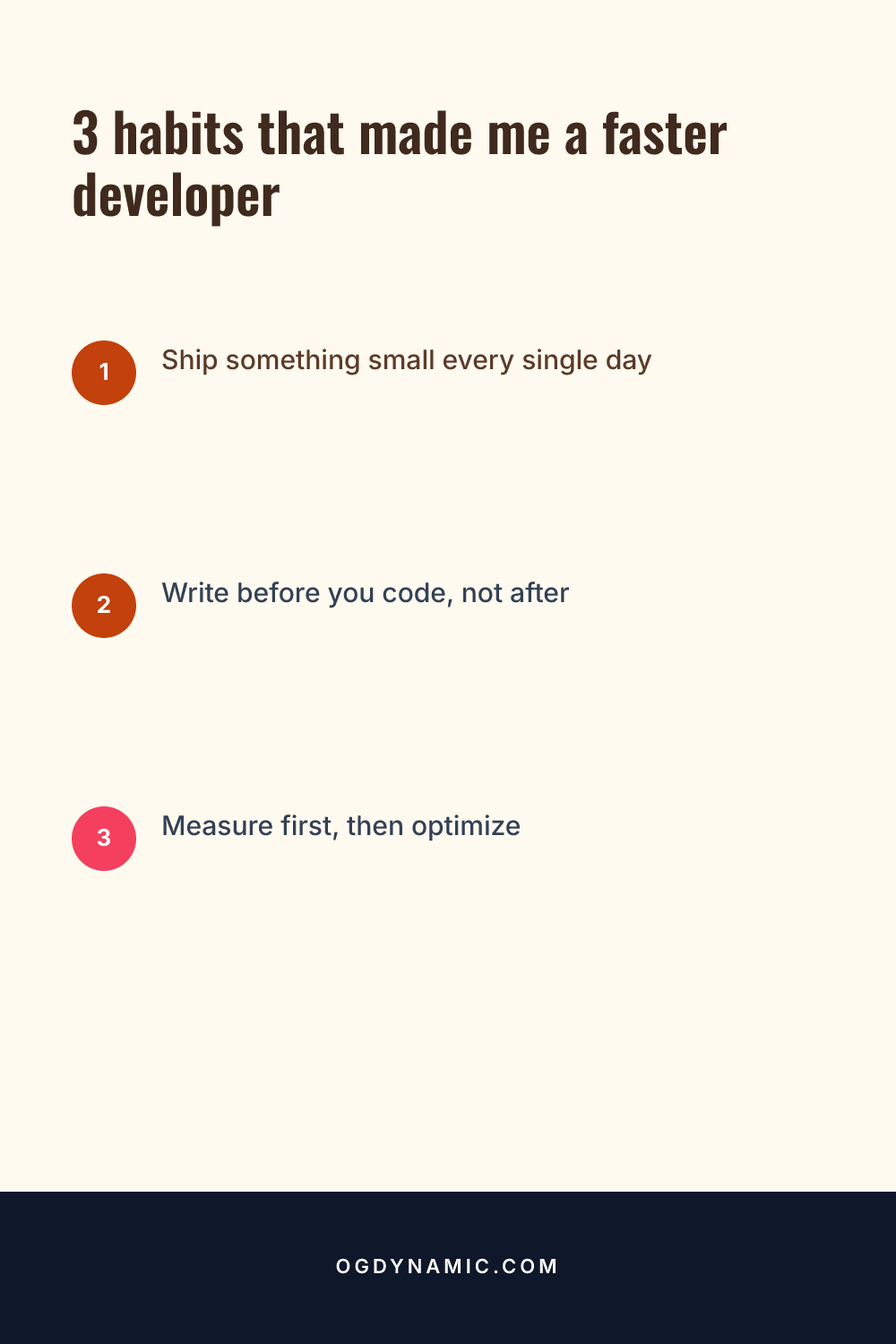
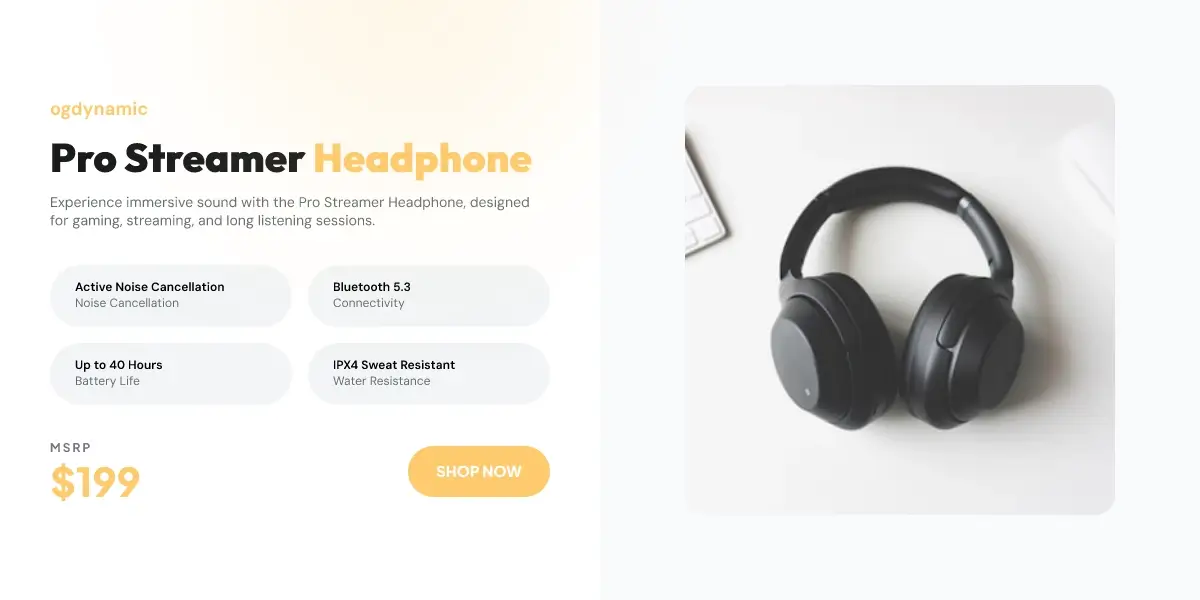
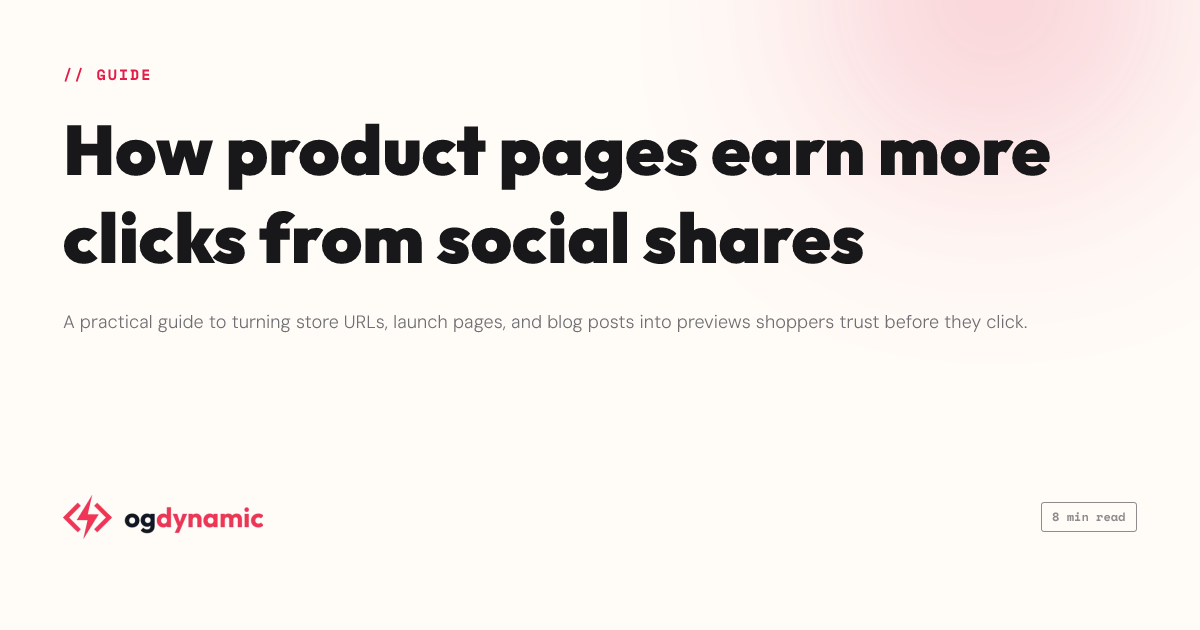
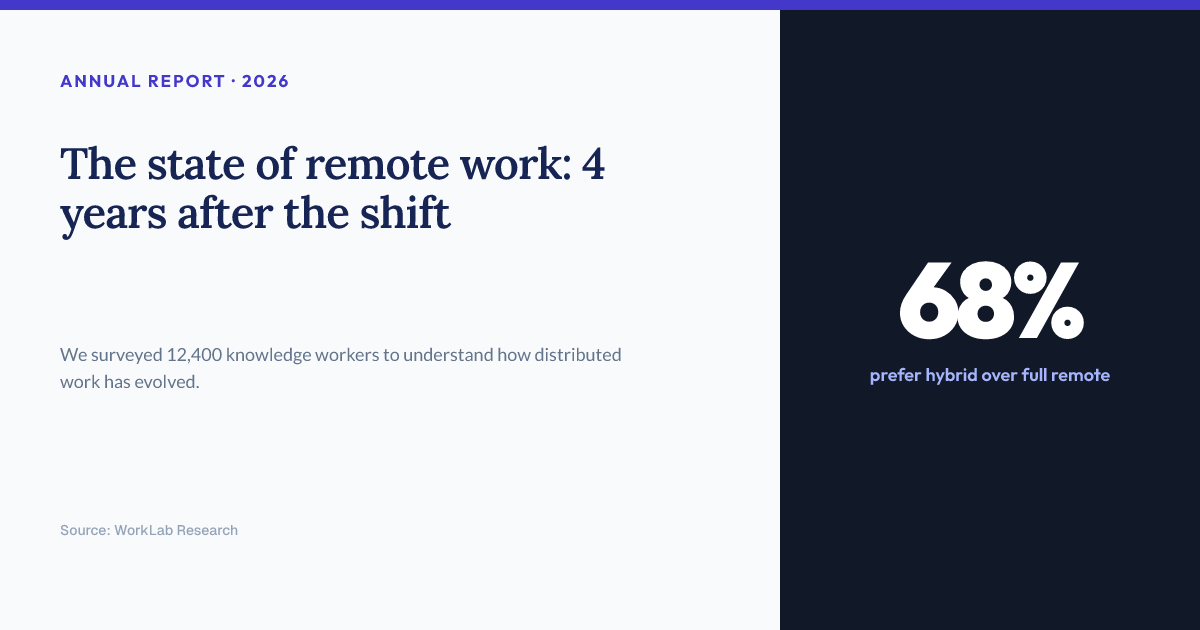
Generate Open Graph images for your WordPress posts automatically from your content, with secure OAuth linking to your account.
About the integrationInspect any URL's Open Graph and Twitter card tags before and after you roll out dynamic images — see the preview platforms will show.
Check a URLNo. You drag, resize, and restyle layers visually. The layout model is CSS under the hood — flexbox, grid, absolute anchors — but the inspector exposes it as plain controls, and templates give you finished layouts to start from.
Toggle "allow override" on any text or image layer and give it a param id. The published canvas then accepts that key as a URL query parameter or in a POST JSON body, and the render substitutes it — everything else stays exactly as designed.
Yes. The in-browser preview runs the same Rust rendering engine as the server, compiled to WebAssembly, so what you see while editing is pixel-identical to what the URL serves.
Canvases render as webp, png, or jpeg in any size up to 10,000 pixels per side, with presets for Open Graph, X, square, story, and Pinterest. The same design can render Open Graph and Twitter card intents.
Design once on the canvas, then generate every variation from a URL.
Create a free account