Publishing stalls on the featured image
The post is written, but finding or making an image is the chore that delays every publish.
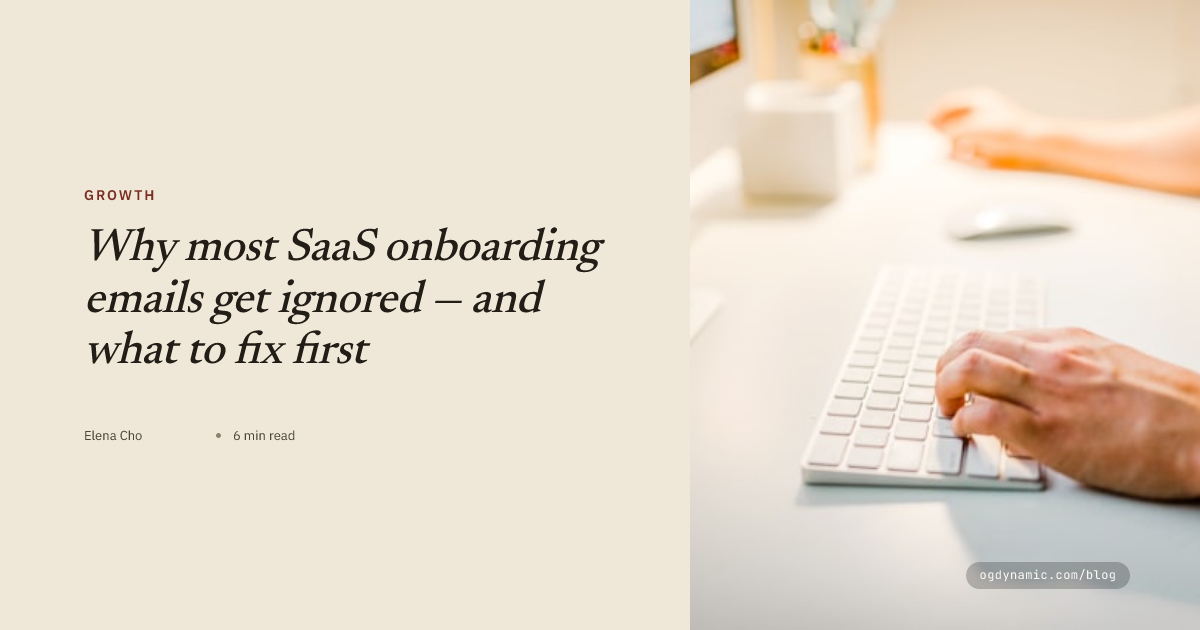
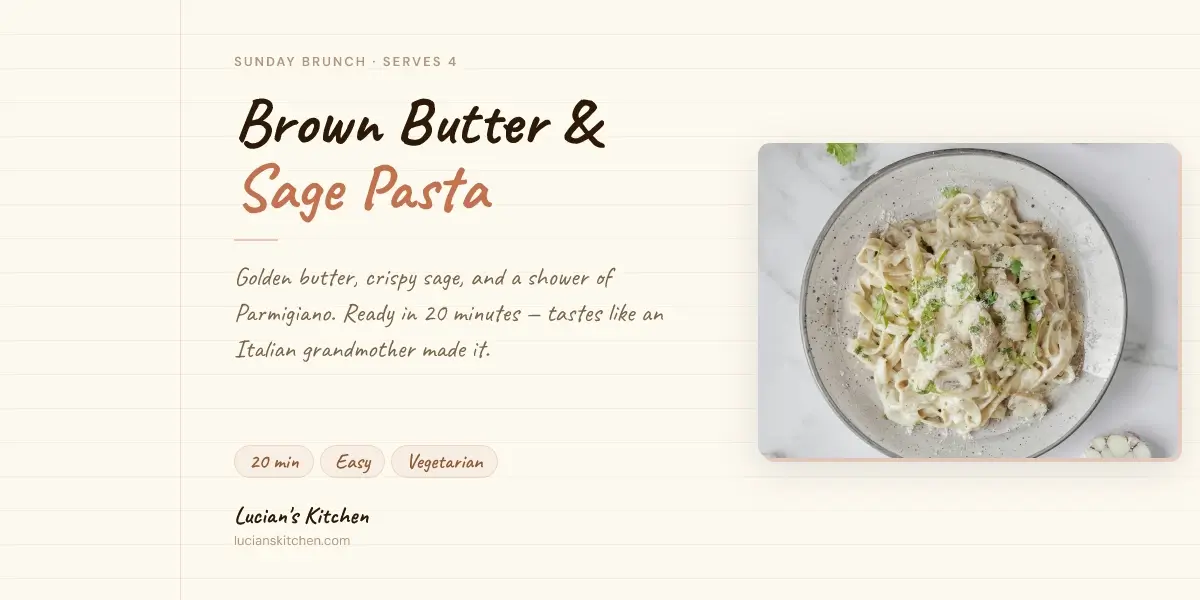
Stop searching for stock photos at publish time. Design one editorial template, wire the title, author, and category fields, and every post gets a matching featured image and social card.
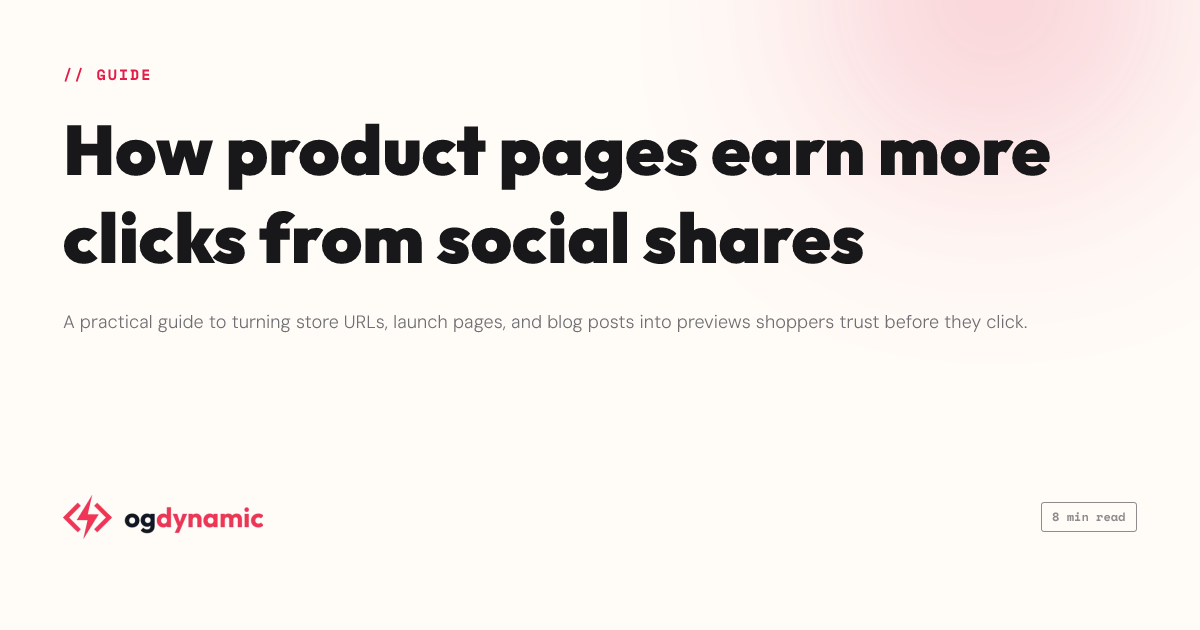
The post is written, but finding or making an image is the chore that delays every publish.
Stock photos from different sources make a blog look like it has no visual identity at all.
Links to your archive fall back to blank or generic cards on X, LinkedIn, and Facebook.
Blog and article templates pair serif and sans Google Fonts with tuned line-height, so long titles still set beautifully.
Mark the title, author, and tagline as dynamic and render each post\u{2019}s image by changing URL parameters — no new design per post.
Duplicate a canvas for a new column or series, then keep both rendering side by side with one branding system.
01
Start from a blog or article layout designed around headline, author, and category fields.
02
Set your fonts, colors, and logo once — the whole series inherits the look.
03
Pass the post title and author through the image URL and get a matching featured image for each publish.
Design one template and mark the title, author, and category layers as dynamic. Then render an image per post by passing those values as URL query parameters — for example ?title=My+Post&author=Ada. Each URL is a finished image; no per-post design work.
Yes. The 1200×630 Open Graph size works as a social preview and inside most site layouts, and you can duplicate the canvas at other sizes for in-post hero images.
Every save publishes a fresh cache-busted URL while older URLs keep serving, so updated designs roll out as you adopt the new links.
Design one branded OG template, mark the dynamic fields, and generate a unique social preview for every URL — rendered straight from the image URL itself.
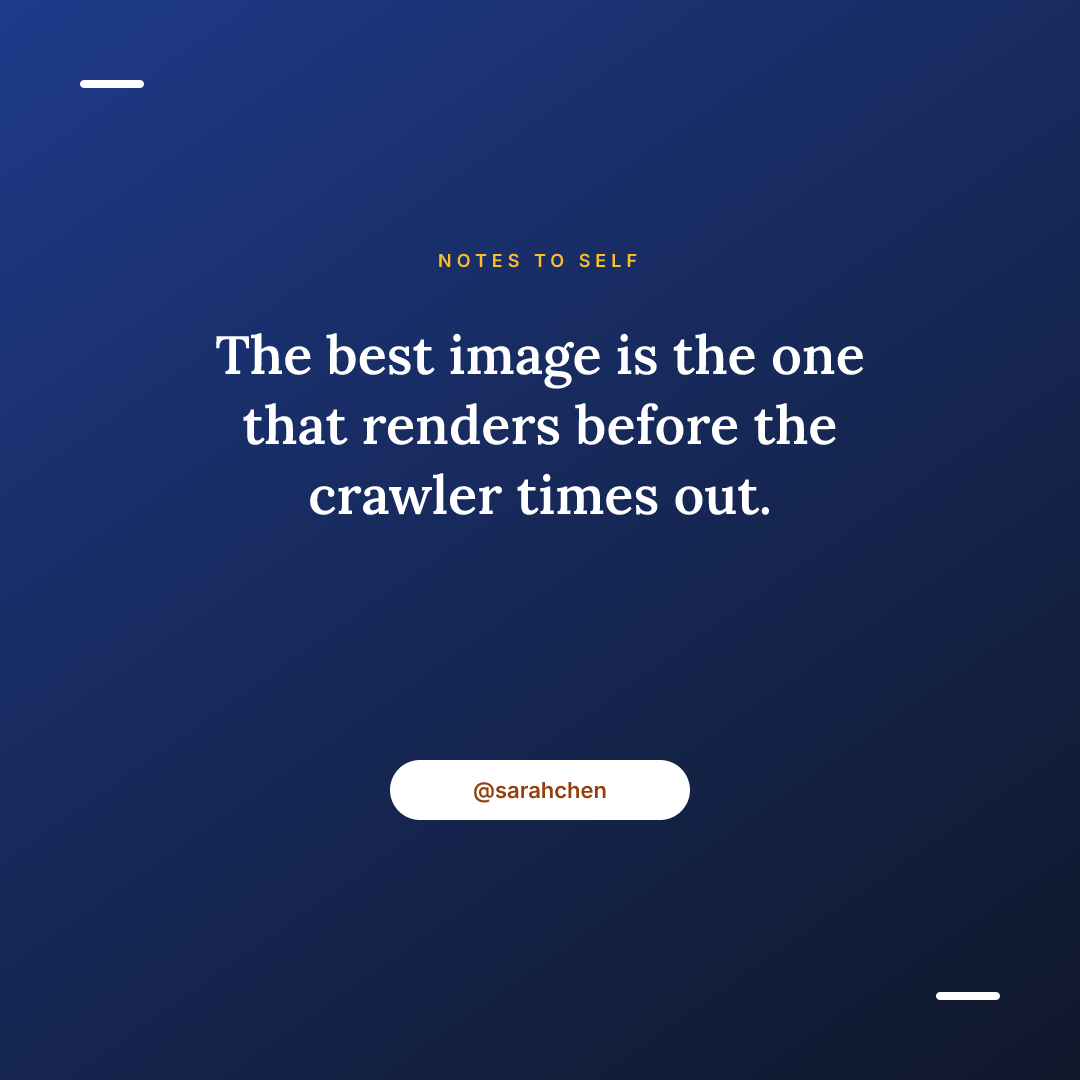
Feed posts, story frames, Pinterest pins, and link previews all start from the same free-form canvas — resized and re-rendered with dynamic content instead of redesigned.
Design once, then render every blog post image generator from a URL.
Create a free account