Resizing the same design five times
Every platform wants a different aspect ratio, so one announcement becomes an afternoon of crop-and-export work.
Feed posts, story frames, Pinterest pins, and link previews all start from the same free-form canvas — resized and re-rendered with dynamic content instead of redesigned.
Every platform wants a different aspect ratio, so one announcement becomes an afternoon of crop-and-export work.
When templates take too long, posts go out with whatever was fastest — and the feed drifts away from the brand.
Exporting files by hand leaves no URL your tools or CMS can render on demand.
Absolute positioning with edge anchors, flexbox and grid flow, percentage sizing, and z-index — the layout system is CSS, so anything you can lay out renders exactly.
Google Fonts with per-family weights, solid and multi-stop gradients, patterns, shadows, filters, and transforms.
Duplicate a canvas and resize it for another platform, or render OG and Twitter intents from the same design.
01
Presets for OG, X, square, story, and Pinterest — or a custom canvas anywhere up to 10,000 pixels.
02
Build the layout in the canvas editor with layers, groups, fonts, and fills — every change previews live.
03
Publish and swap dynamic fields through the URL for every post, episode, product, or campaign.
Built-in presets cover Open Graph (1200×630), X/Twitter (1200×675), square (1080×1080), story (1080×1920), and Pinterest (1000×1500), plus custom sizes up to 10,000 pixels per side.
Yes. Duplicate a canvas and resize it, or use the Open Graph and Twitter render intents that adapt the same design for each platform\u{2019}s card format.
No. Start from a template in one of 11 categories and edit text, images, and colors directly on the canvas — or start blank if you already know what you want.
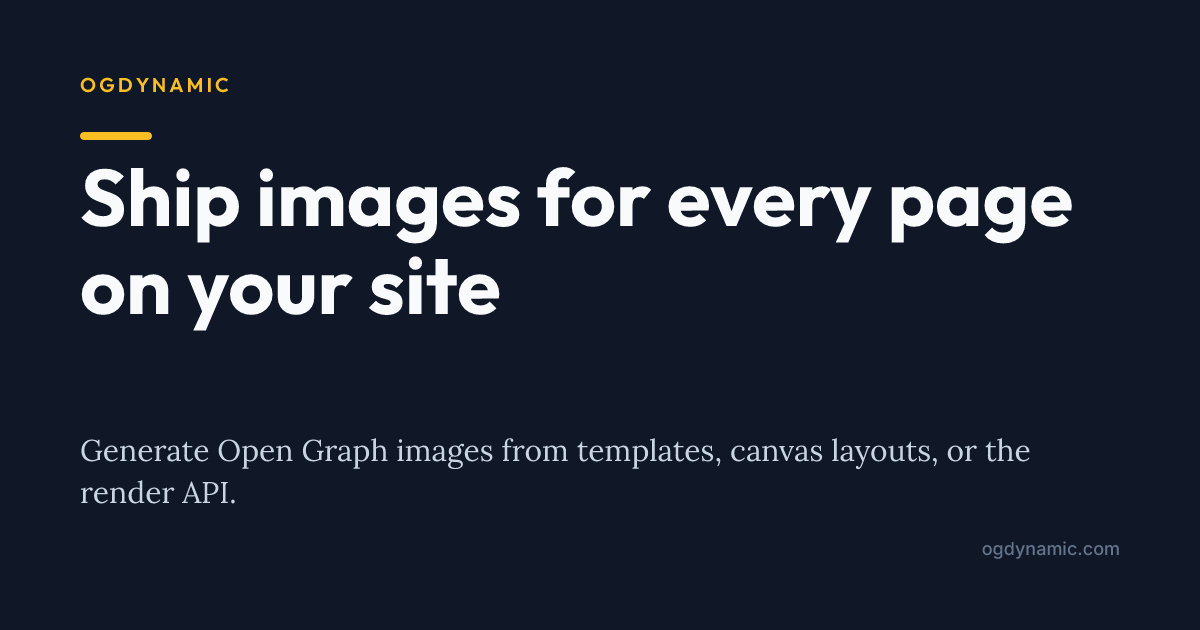
Design one branded OG template, mark the dynamic fields, and generate a unique social preview for every URL — rendered straight from the image URL itself.
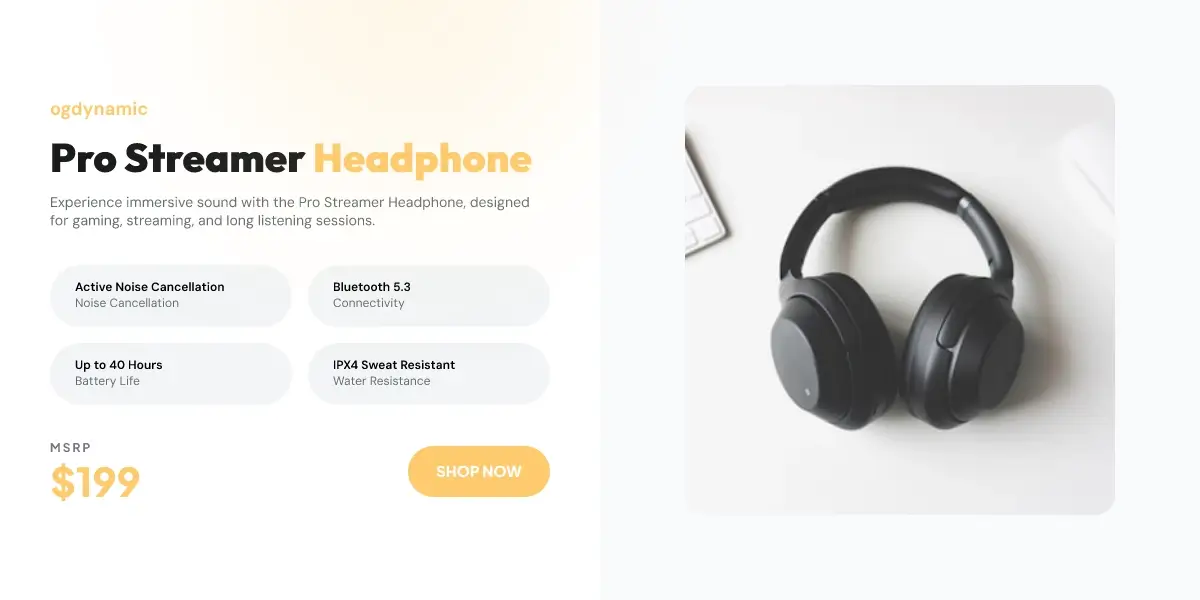
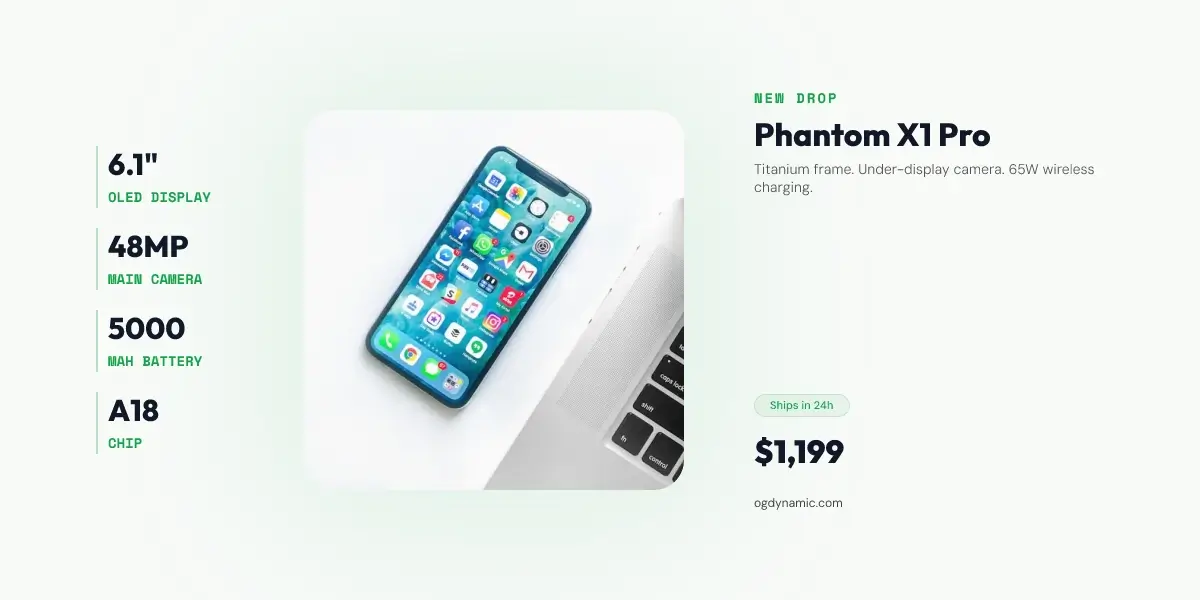
Show the name, price, photo, and promo that make shoppers click — generated for every product URL from a single branded template.
Design once, then render every social media image generator from a URL.
Create a free account